







1300 021 680

Introduction
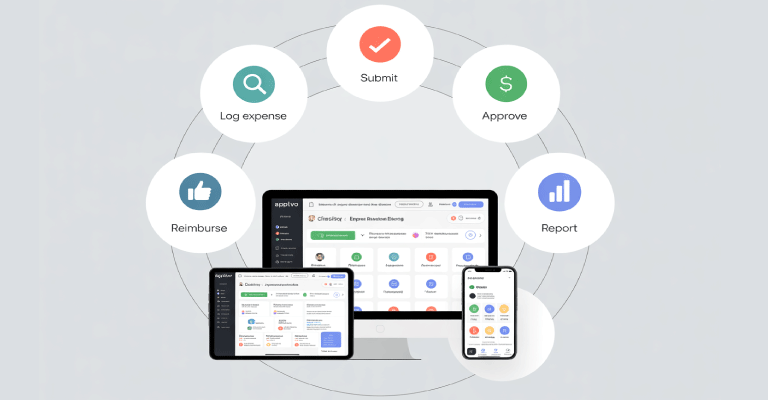
Our Employee expenditure Management solution, which is based on the strong Microsoft 365 ecosystem, streamlines expenditure procedures throughout your company by offering automation, flexibility, and security.
Benefits
How Can Automated Expense Reporting Benefit Your Business?
Make use of the Microsoft 365 technologies you already have, like Power Apps, SharePoint, and Power Automate, to build a customized, affordable expense management solution that works with your workflow.
Receipts can be submitted by staff members using a variety of platforms, including web portals, mobile apps, and integrated into well-known programs like Excel or forms. Key data is automatically extracted and categorized instantaneously with OCR technology and real-time ERP connectivity.
The solution, which is based on Microsoft’s secure cloud environment, combines with Power Apps, Azure AI Document Intelligence, SharePoint, and Power Automate to guarantee that all expense data is kept safe within reliable infrastructure.
ERP integration
EasyEXP365: A Smooth ERP Integration for Managing Employee Expenses
EasyEXP365 is an employee expenditure management solution built on the Microsoft 365 platform that can be directly integrated with top accounting and ERP systems. A list of frequently supported platforms created in association with leading software companies may be seen below.
Real-time data connections made possible by each vendor’s APIs fuel all Sharepointscope integrations. This removes the need to manually maintain or duplicate data, such as cost centers, GL codes, and employee vendor information, and guarantees complete compatibility and continuous maintenance.
A live-query approach keeps everything correct and centered by relying just on your current system of record. EasyEXP365 automatically creates an accounts payable transaction to pay credit card suppliers or repay staff after costs are authorized. All required financial data is included in the transaction, along with a direct connection to the original EasyEXP365 expense report and receipts.
Contact us if your ERP is not on the list. Most likely, we can create a custom integration or currently support it. If real-time integration is not feasible, we also provide export file choices.
Features
What to Look for in an Employee Expense Management System
Your ERP system is immediately connected to EasyEXP365. Secure online services are used to rapidly construct a related transaction after an expense report is accepted, guaranteeing smooth data flow.
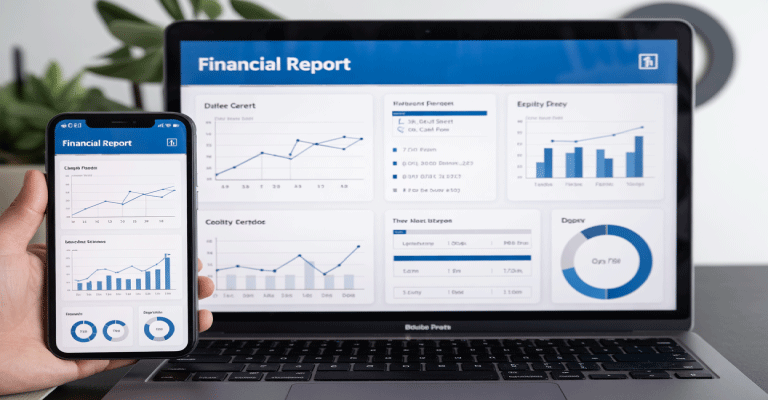
Use the whole Microsoft 365 suite, including Power Apps for on-the-go mobile access, Power BI for real-time analytics, SharePoint for OCR and document storage, and Power Automate for process automation.
The entire expenditure process may be streamlined without ever leaving your collaboration platform by creating, submitting, reviewing, and approving expense reports immediately within Microsoft Teams.
To expedite data entry and approval processes, use optical character recognition (OCR) to automatically extract data from receipts.
Employee profiles can be linked to company credit cards so that employees can attach receipts and match transactions to the right spending categories. Journal entries or vouchers are how entries are entered into your ERP.
With the integrated Google Maps connection, calculating mileage reimbursements is simple. Sort workers into groups based on their categories and easily manage rate structures.